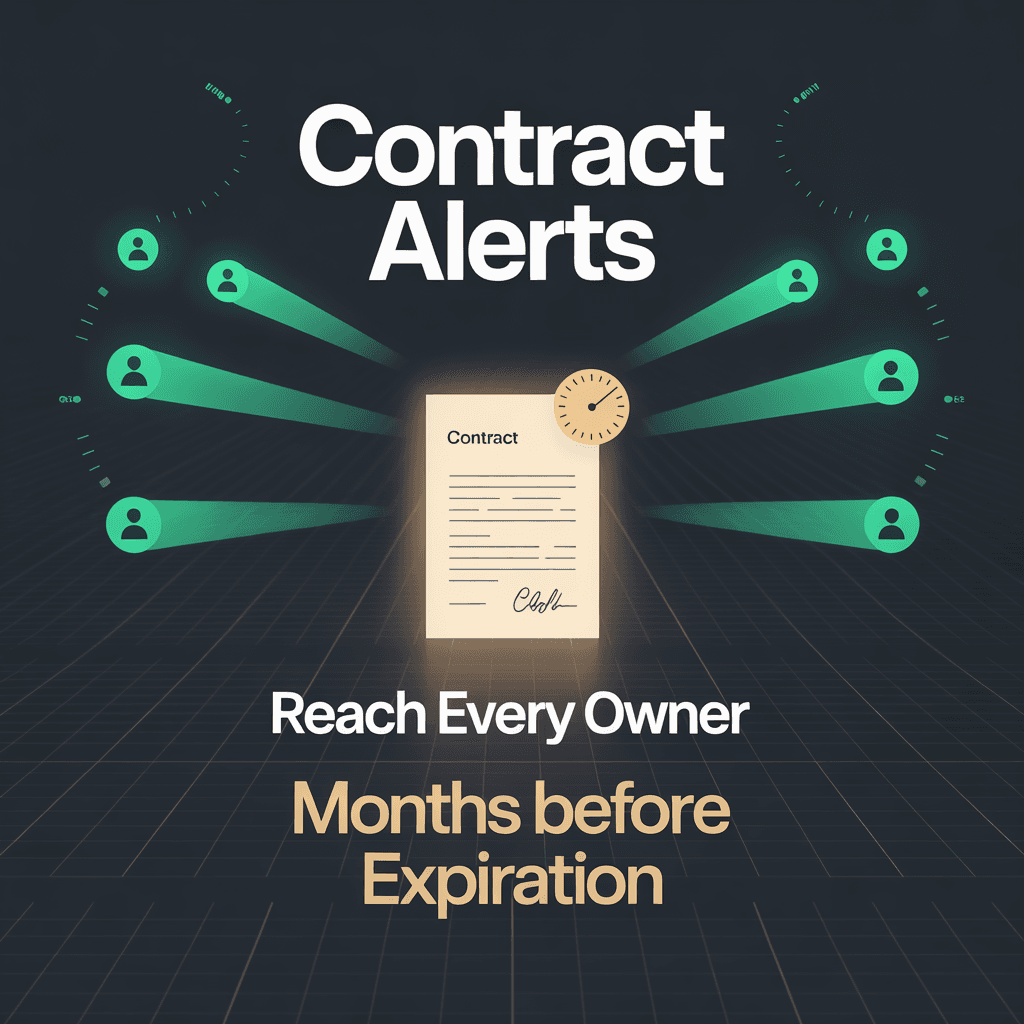
Contracts Expiring in Silence
An enterprise telecom client had Snow License Manager deployed and running — collecting inventory, tracking licenses, doing what Snow does well. But one entire module was gathering dust: contract management.
Snow has built-in data structures for contracts — contract periods, valid-from and valid-to dates, manufacturer associations, the works. None of it was being used. The result: IT system owners had zero visibility into when their contracts expired. Software agreements, service contracts, domain registrations — all expiring on dates nobody was tracking.
The consequences were predictable. Contracts would lapse unnoticed. Renewals became emergency procurement exercises. Compliance gaps appeared when licenses expired before replacement agreements were in place. The organization needed two things: contract data in Snow, and an automated system to alert the right people before deadlines hit.
Step One: Configure Before You Code
The temptation was to jump straight into building a notification engine. I didn't. The first step was configuration, not code.
I initialized Snow License Manager's contract period tracking — setting up contract periods with valid-from and valid-to dates for every agreement the organization managed. I configured per-contract alert flags that the SAM team could toggle on or off. And I created custom fields for the information the notification system would need: IT system owner email addresses and system purpose descriptions.
This foundation work was unglamorous but critical. It turned Snow from "has a contracts section somewhere" into "knows when every contract expires and who's responsible for it." Without this data layer, any notification engine I built would have nothing to notify about.
The Automated Notification Layer (September 2024)
With proper contract data in Snow, I designed a three-layer notification system.
Layer 1 — SQL Server View
I created a database view that joins Snow's contract, contract period, and custom field tables into a single queryable result set. The view filters to contracts meeting three criteria: expiring within two months, alerting flag enabled, and owner email addresses populated.
One query produces the complete notification list: contract name, expiry date, owner emails, and system purpose — everything needed to send a meaningful alert.
Layer 2 — Python Notification Engine
The core of the system is a Python script built on SQLAlchemy and pyodbc for database access, pandas for data handling, and exchangelib for email delivery via MS Exchange.
For each expiring contract, the engine resolves owner names from Snow's user directory to personalize the notification. This sounds straightforward until you account for reality: many contracts have multiple responsible people. Owner email fields contain semicolon-separated lists of four, six, sometimes eight recipients. Each person gets their own personalized notification.
Not every email resolves to a user in Snow's directory — external contractors, distribution lists, and recently departed employees all create lookup failures. Rather than failing the entire notification for a contract, the system falls back to a generic greeting for unresolvable recipients and continues processing. One bad email doesn't block notifications to the other seven owners.
After sending all notifications, the engine exports the full expiring contracts list to CSV — creating an audit-ready record of exactly which contracts were flagged and who was notified.
Layer 3 — Scheduled Orchestration
A Windows Task Scheduler batch job triggers the pipeline on a regular cadence. Each execution captures a timestamp, runs the Python engine, then archives both the log file and CSV output with that timestamp. If the run fails, archives get an error suffix for diagnostic preservation. After archiving, temporary files are cleaned up.
The result is a self-maintaining pipeline: scheduled execution, timestamped output archiving, and built-in failure diagnostics — all without manual intervention.
The Implementation Challenges
Multiple Owners Per Contract
This was the most important design decision. Contracts in a large enterprise rarely have a single owner. A software agreement might involve the technical owner, the budget holder, the procurement contact, and the vendor relationship manager. I designed for semicolon-separated email lists from day one, with individual notification delivery and per-recipient error isolation.
Getting this right on the first pass avoided what would have been a painful refactor once the system hit real data. In production, contracts routinely have four to eight recipients per notification cycle.
Name Resolution Fallback
The user directory lookup adds a personal touch — "Dear [Name]" instead of a generic greeting. But the directory isn't complete. External contractors, shared mailboxes, and distribution lists don't resolve to names. The system handles this gracefully: fall back to a polite generic greeting, log the unresolved address for the SAM team to review, and continue processing.
Localization
The entire notification chain — email subjects, body text, contract descriptions — operates in the client's working language. This meant template-based email generation with proper character encoding throughout the pipeline, from SQL Server through Python to Exchange delivery.
Credential Security
Exchange authentication credentials are stored in external configuration with encoding, not hardcoded in scripts. The configuration file lives outside the script directory, separating operational secrets from application code.
Outcomes
The system has been running in production since September 2024 — over a year of automated contract expiration alerting. Scheduled runs routinely process 60+ expiring contracts per cycle, delivering personalized notifications to IT system owners months before deadlines.
The per-contract alert flag in Snow's UI gives the SAM team full control. They enable or disable alerting for individual contracts without touching code or contacting a developer. The CSV export from every run provides an audit trail that compliance reviews can reference directly.
The system runs with minimal maintenance. The architecture — SQL view for data extraction, Python for notification logic, batch scheduling for orchestration — has proven stable enough that the client's SAM team operates it independently.
What I Learned
Configure before you code. Half the value of this project came from initializing Snow's existing contract management module — not from custom development. The notification engine would have been pointless without proper contract data underneath it. Before writing a single line of Python, I spent time ensuring every contract had valid periods, owner assignments, and alert flags. That foundation work was the real deliverable.
Build for the multi-owner case from day one. It's tempting to start with single-owner logic and "add multi-owner support later." Don't. Contracts have multiple responsible parties in every organization I've worked with. Designing for semicolon-separated lists and per-recipient error handling from the start was a small upfront investment that avoided a messy retrofit.
Graceful degradation over hard failures. When one recipient can't be resolved, notify the others. When one contract's data is incomplete, skip it and process the rest. Batch notification systems that stop on the first error are useless in production — they just mean nobody gets notified.
Give SAM teams the controls. The AlertOnExpiration flag per contract is the most-used feature of the entire system. It's also the simplest: a checkbox in Snow's UI. The SAM team decides what gets alerts and what doesn't, on their schedule, without developer involvement. The best automation is the kind that the operations team owns completely.