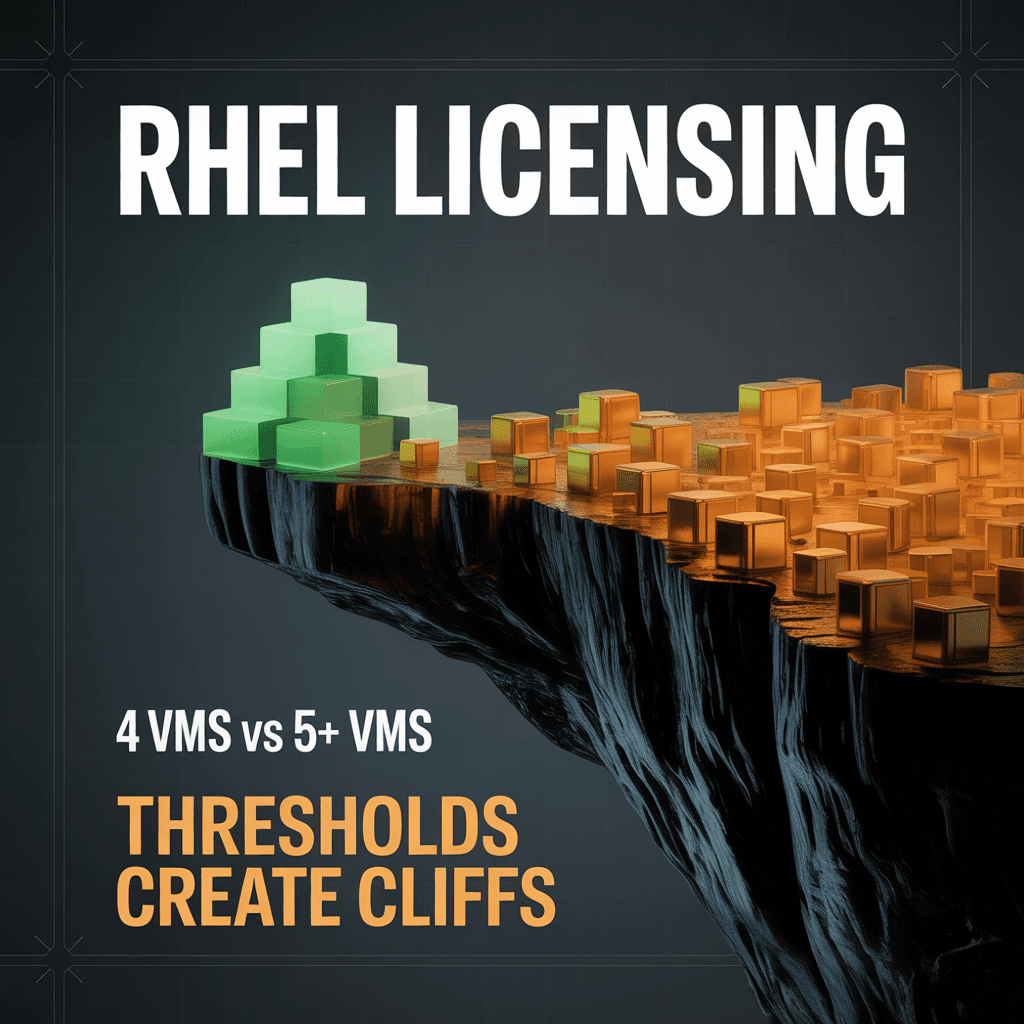
Three Infrastructure Types, Three Sets of Rules
Red Hat Enterprise Linux licensing seems straightforward until you operate at scale across mixed infrastructure types. Red Hat defines licensing models split along fundamental boundaries — and each infrastructure type follows completely different rules.
On the dedicated side, a single threshold determines everything: the number of VMs running on a physical host. Cross that threshold, and the licensing model flips from per-VM Stacking to per-socket Virtual Datacenter licensing. Get it wrong, and you're either overpaying significantly or sitting on a compliance gap.
On the shared/cloud side, VMs are classified by vCPU count into pricing tiers — Small (1-8 vCPU), Medium (9-128 vCPU), Large (129+ vCPU) — each mapping to a different subscription cost.
Physical servers running RHEL directly without virtualization follow a simpler model: licensed per socket pair (processors divided by 2). No density calculation, no threshold decision.
Then there are the edge cases that defy classification entirely. Orphaned VMs discovered in inventory but lacking host relationships don't fit either model cleanly. Unclassified servers with missing farm usage assignments cannot be automatically included in any licensing model — they need manual classification before they appear in compliance reports. And inventory data older than 40 days may reflect decommissioned or migrated servers that would distort the count.
This is RHEL licensing across 1,200+ instances and 20+ customers.
The 4-VM Threshold That Changes Everything
Red Hat's licensing rules create a core complexity around a single number: 4 VMs per host.
- 4 or fewer VMs: Each VM requires its own RHEL subscription. This is the Stacking model — straightforward but potentially expensive for hosts running multiple VMs.
- More than 4 VMs: The host qualifies for Virtual Datacenter licensing, which covers unlimited VMs on that host but is licensed per socket pair.
This threshold creates a non-linear cost curve. A host running 3 VMs needs 3 subscriptions. A host running 5 VMs might need only 1 Virtual Datacenter subscription (assuming a single socket pair) — potentially cheaper than 5 individual subscriptions.
The decision isn't just per-host, either. Across 90+ physical hosts with varying VM densities, socket configurations, and workload distributions, the optimization puzzle becomes genuinely complex. Manual analysis means a SAM specialist needs to:
- Identify every host-VM relationship
- Count VMs per host
- Determine socket pair count per host
- Compare Stacking cost vs. Virtual Datacenter cost
- Apply the result consistently across all hosts
- Recalculate monthly as VMs migrate
Shared Infrastructure: vCPU Tier Classification
Cloud and shared infrastructure follows different rules entirely. Without a physical host to anchor the calculation, RHEL licensing shifts to a vCPU-based model:
- Small: 1-8 vCPUs
- Medium: 9-128 vCPUs
- Large: 129+ vCPUs
Each tier maps to a specific Red Hat SKU with its own pricing. The classification is mechanical but tedious at scale — every VM needs its vCPU count checked and mapped to the correct tier.
The Orphaned VM Problem
In any environment with 1,200+ instances, there will be VMs that appear in inventory without a clear host relationship. Maybe the hypervisor data didn't sync. Maybe the VM was migrated and the relationship wasn't updated. Maybe it's a cloud instance that doesn't map to a physical host at all.
These orphaned VMs represent a compliance risk that's easy to ignore. If they're silently excluded from licensing calculations, nobody knows they exist — until an audit finds them.
The question isn't whether orphaned VMs exist. They always do. The question is whether your licensing process makes them visible.
Data Freshness and Stale Inventory
Inventory data has a shelf life. A server that hasn't reported to FlexeraOne in 40 days might be decommissioned, migrated, or simply disconnected from the network. Including stale data inflates license counts; excluding it without tracking creates invisible compliance gaps.
The system enforces a 40-day freshness threshold. Inventory older than 40 days is excluded from main subscription reports but tracked in a dedicated stale inventory report. This dual approach prevents stale data from distorting compliance while keeping it visible for investigation.
How ToolsHub Business Intelligence Solves This
Red Hat's licensing models were interpreted and validated by dedicated licensing specialists. I built the automation that applies their analysis consistently across the fleet — encoding specialist decisions into rules that run in minutes instead of days.
I built the RHEL licensing automation as a ToolsHub Business Intelligence module that handles all four scenarios — dedicated Stacking, dedicated Virtual Datacenter, shared cloud, and physical servers — in a single, transparent pipeline. The licensing rules are formalized as seven equations (EQ1–EQ7) — three for dedicated infrastructure, four for shared — each encoding a specific licensing scenario with its calculation method.
Dedicated Infrastructure Automation
For each physical host in the fleet:
- VM Count Assessment. The engine counts all RHEL VMs associated with the host, using FlexeraOne's inventory relationships.
- Threshold Application. The 4-VM threshold is applied automatically. Hosts exceeding the threshold are flagged for Virtual Datacenter; others default to Stacking.
- Socket Pair Calculation. For Virtual Datacenter hosts, the engine reads the physical socket count and calculates the required socket pairs.
- License Assignment. The appropriate subscription type and quantity are assigned based on the model selection.
Across 90+ hosts, this process runs in minutes. Manually, the same analysis would take days.
Shared Infrastructure Automation
For cloud and shared VMs:
- vCPU Discovery. Each VM's allocated vCPU count is read from inventory.
- Tier Classification. Automatic assignment to Small, Medium, or Large based on vCPU count.
- SKU Mapping. The correct Red Hat subscription SKU is assigned per tier.
Smart Management: Never Forgotten
Red Hat Smart Management is an add-on subscription that's frequently overlooked in manual licensing. It needs to be calculated alongside every primary RHEL subscription — regardless of infrastructure type.
The ToolsHub engine calculates Smart Management requirements automatically for every primary license. No manual step to forget, no add-on to miss.
Physical Server Licensing
Physical servers running RHEL directly — without virtualization — follow a simpler model: licensed per socket pair (processors divided by 2). No VM density calculation, no threshold decision. The engine identifies these by their infrastructure classification and applies the straightforward socket-pair formula alongside Smart Management.
Orphaned VM Handling
VMs without host relationships are not excluded. They're flagged in a dedicated review queue with:
- The VM's inventory details
- What data is missing (host relationship, hypervisor data, etc.)
- The licensing impact if the VM were to be included
This turns an invisible compliance gap into a visible, actionable item.
Manual Classification Workflow
Some servers cannot be automatically classified — physical computers, VMs without host relationships, VMs with missing farm usage. Rather than excluding them permanently, the system provides a structured workflow. Newly discovered unclassified servers are automatically tracked. SAM specialists review them and can manually classify them as shared infrastructure. Once classified, these servers flow into the shared infrastructure reports using the standard vCPU tier rules. This turns a data quality gap into a managed process — unclassified servers are visible, actionable, and eventually included in compliance.
Diagnostic Reports
Four diagnostic procedures provide systematic data quality investigation: identifying physical computers in the inventory, finding VMs with missing farm usage classifications, surfacing orphaned VMs without host relationships, and tracking specialized infrastructure configurations that require particular attention. Each diagnostic report surfaces issues that would otherwise remain invisible in a fleet of 1,200+ instances.
Audit Trail: Every Decision Documented
The complete licensing output includes:
- Per-host breakdown: VM count, threshold decision, model selection, license quantities
- Per-VM detail: vCPU tier (for shared), subscription assignment, host relationship
- Exception report: Orphaned VMs, data quality issues, ambiguous classifications
- Summary: Total subscriptions by type, Smart Management counts, flagged items
When a customer or auditor asks "why are we licensed this way?", every number traces back to a specific device, a specific rule, and specific inventory data.
Outcomes
Automated model selection across dedicated and shared infrastructure. The 4-VM threshold is applied consistently without manual counting.
Orphaned VM visibility. VMs without host relationships are surfaced for review instead of silently excluded from compliance calculations.
Smart Management accuracy. Add-on subscriptions are calculated alongside primaries, eliminating a common source of under-licensing.
Full audit trail from inventory data through threshold decisions to final license counts. Compliance confidence across both infrastructure types.
Key Takeaways
Thresholds create cliffs, not slopes. The difference between 4 VMs and 5 VMs on a host isn't incremental — it's a completely different licensing model. Automation catches these transitions; manual processes miss them during migrations.
Orphaned VMs are the silent risk. Every large environment has them. The question is whether your process makes them visible or pretends they don't exist.
Add-ons compound the problem. Smart Management on its own is simple. Smart Management calculated correctly across 1,200+ instances with two different infrastructure models and orphaned VM handling — that's where automation earns its value.
The ToolsHub automation handles the complexity so teams can focus on decisions, not spreadsheets.