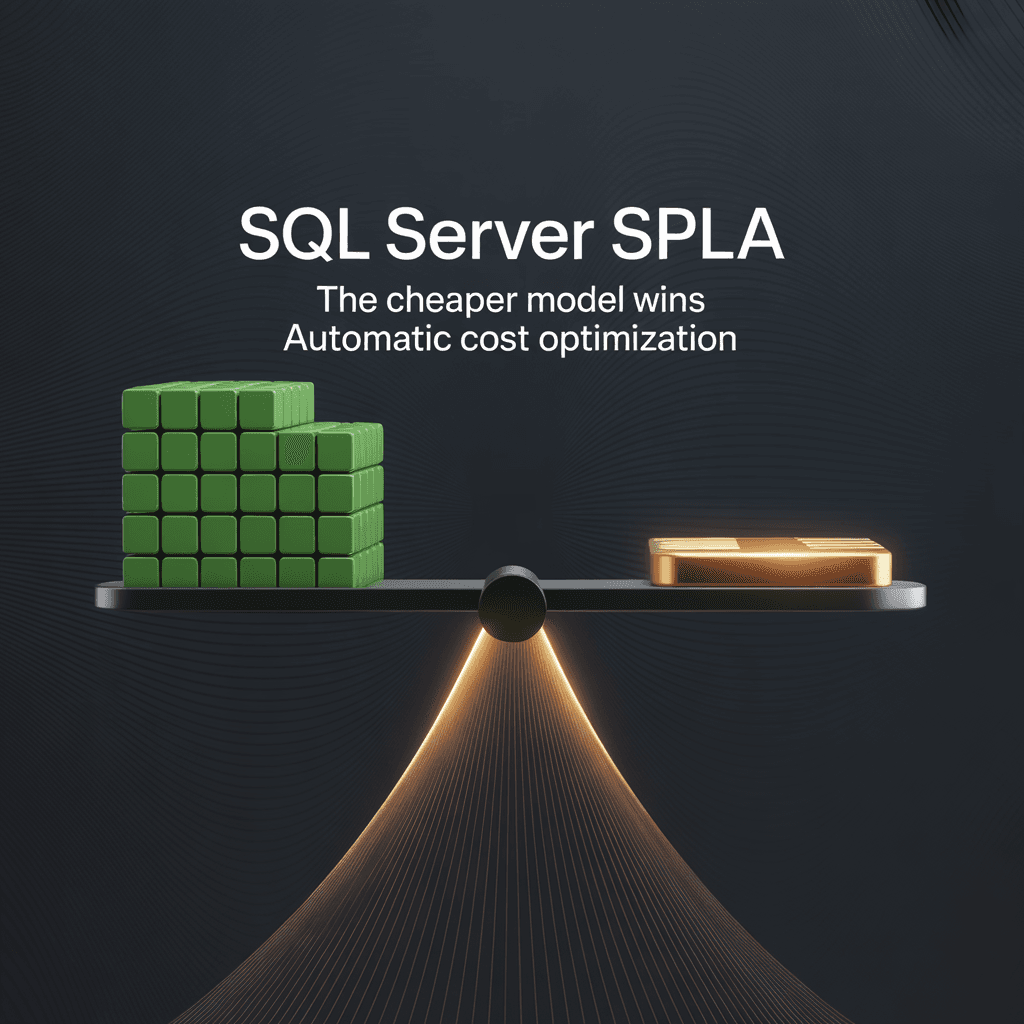
The Cost Optimization Challenge
SQL Server SPLA licensing isn't about choosing the right edition — it's about choosing the cheapest licensing model. Microsoft's Service Provider License Agreement offers two legitimate approaches for virtualized SQL Server environments, and the cost difference between them can be dramatic.
Per-VM licensing prices each virtual machine individually based on its core count and SQL Server edition. Standard Edition costs €155.44 per 2-core pack monthly; Enterprise Edition costs €585.24 per 2-core pack. The total scales linearly with every VM added to a cluster.
Physical Host licensing ignores individual VMs entirely and licenses all physical cores in the cluster as Enterprise. It's a flat cost regardless of how many VMs run on the infrastructure — expensive per core, but the number never increases as VM density grows.
Both models are valid under SPLA terms. Choosing the wrong one doesn't create a compliance gap — but it can mean paying thousands more per month than necessary. Across multiple clusters with varying densities, edition mixes, and core configurations, manual cost comparison was impractical. The optimization opportunity was invisible.
Two Editions, Two Licensing Models
SQL Server Editions Under SPLA
Standard Edition (€155.44 per 2-core pack/month) serves departmental applications, web workloads, and development environments. It covers the majority of SQL Server installations but lacks Enterprise features like Always On availability groups and in-memory processing.
Enterprise Edition (€585.24 per 2-core pack/month) — nearly four times the price — delivers high availability, advanced security, and unlimited virtualization rights. Mission-critical production workloads typically require Enterprise.
Per-VM Licensing
Each VM is licensed individually:
- Count the VM's virtual cores (minimum 4, normalized upward if below)
- Divide by 2 to get the number of 2-core packs
- Multiply by the edition-specific price
A 6-core Standard VM costs 3 x €155.44 = €466.32/month. An 8-core Enterprise VM costs 4 x €585.24 = €2,340.96/month. Sum all VMs in a cluster for the total Per-VM cost.
Physical Host Licensing
All physical cores across the cluster are licensed as Enterprise:
- Sum the physical cores across all hosts in the cluster
- Divide by 2 to get the number of 2-core packs
- Multiply by the Enterprise price (€585.24)
This covers every VM on the cluster regardless of edition. A 4-node cluster with 24 cores per host: 96 cores / 2 x €585.24 = €28,091.52/month — but it doesn't matter whether the cluster runs 5 VMs or 50.
The Crossover Point
Physical Host licensing becomes cheaper when Per-VM costs exceed the flat infrastructure cost. This happens with high VM density, heavy Enterprise usage, or both. A cluster running 20 Enterprise VMs with 8 cores each costs €46,819.20/month Per-VM but only €28,091.52 with Physical Host licensing — a saving of €18,727.68 per month.
Conversely, a cluster with 4 Standard VMs at 4 cores each costs €1,243.52 Per-VM vs €9,363.84 Physical. Per-VM saves €8,120.32.
The optimal model depends entirely on the specific cluster configuration.
Why Manual Comparison Fails at Scale
Each cluster requires calculating both models completely — all VM cores normalized, edition pricing applied, physical cores summed — before a comparison is meaningful. With mixed Standard and Enterprise VMs on the same cluster, the Per-VM calculation alone requires per-edition breakdowns.
The optimum can flip month-to-month. Add three Enterprise VMs to a previously Standard-heavy cluster, and Physical licensing might suddenly save money. Remove them, and Per-VM wins again.
SPLA requires monthly true-up reporting. Every month, the entire analysis must be repeated with current inventory data. A one-time manual comparison becomes a monthly operational burden across every cluster in the fleet.
The ToolsHub Business Intelligence Solution
Microsoft's SPLA licensing rules and edition pricing were defined and validated by dedicated licensing specialists. I engineered the dual-scenario cost comparison engine that applies their rules and automatically selects the cheaper option for each cluster.
Core Normalization
Before any cost calculation, the engine normalizes core counts to meet Microsoft's minimums. Virtual machines require at least 4 cores — a 2-vCPU VM is normalized to 4 cores for licensing purposes. Physical processors also require a minimum of 4 cores each.
Per-VM Cost Calculation
For each cluster, the engine processes every SQL Server VM:
- Identify the SQL Server edition installed (Standard or Enterprise)
- Normalize the VM's core count (minimum 4)
- Calculate 2-core packs (normalized cores / 2)
- Apply the edition-specific price per pack
The results are summed across all VMs in the cluster to produce the total Per-VM licensing cost.
Physical Host Cost Calculation
Simultaneously, the engine calculates the alternative:
- Sum all physical cores across every host in the cluster
- Calculate 2-core packs (total physical cores / 2)
- Apply the Enterprise price (€585.24) to every pack
This produces a single flat cost that covers unlimited VMs regardless of their individual editions.
Automatic Model Selection
The engine compares both totals for each cluster and selects the cheaper option. The result records:
- The selected licensing model (Per-VM or Physical Host)
- The cost under the selected model
- The cost under the alternative model
- The savings achieved by choosing the optimal model
This comparison happens per cluster, not globally — because the optimal model varies by cluster configuration.
Data Quality Layer
The same philosophy applies here as in the Windows Server SPLA engine: the system flags issues rather than guessing. Hosts without cluster membership, VMs with missing core data, and incomplete edition information are surfaced in a data quality report with their potential licensing impact. Nothing is silently excluded or assumed.
Companion to Windows Server SPLA
SQL Server SPLA and Windows Server SPLA are companion projects — both automate Microsoft SPLA licensing through ToolsHub Business Intelligence, both process FlexeraOne inventory, both run monthly. But the automation logic is fundamentally different.
Windows Server SPLA asks: which edition? An 8-VM density threshold determines Standard vs Datacenter, each with a different license count formula. The output is a license count — no cost comparison involved.
SQL Server SPLA asks: which model is cheaper? Two legitimate licensing approaches are calculated in full, and the engine picks the winner. The output is an optimized cost with per-cluster savings visibility.
I built them as separate engines because they solve different problems. Combining them would have obscured each product's distinct optimization logic.
Results
Automatic cost optimization across all clusters with per-cluster savings visibility. The engine selects the cheapest licensing model for each cluster independently.
Monthly SPLA billing backed by dual-scenario cost comparison. Every billing line traces back to specific VMs, cores, edition pricing, and the model selection decision.
Complete audit trail from inventory through both cost scenarios to the final optimized selection. When finance questions a cost figure, the answer is a traceable chain — not an assertion.
Data quality visibility. Issues that affect cost accuracy are flagged and tracked, not hidden in assumptions.
Lessons Learned
Cost optimization requires competing scenarios. Calculating only one licensing model means never knowing whether the other was cheaper. By always calculating both and comparing, the engine guarantees the optimal choice — and documents the savings to prove it.
Edition mix changes the economics. A cluster running only Standard VMs almost never benefits from Physical Host licensing — Enterprise pricing on all cores is too expensive. A cluster heavy on Enterprise VMs often does. The system handles this automatically, but understanding why helps validate the results.
Monthly recurrence magnifies savings. A per-cluster saving that seems modest in isolation adds up across the fleet and compounds over months. Automation doesn't just save time — it captures cost optimization opportunities that manual processes consistently miss.